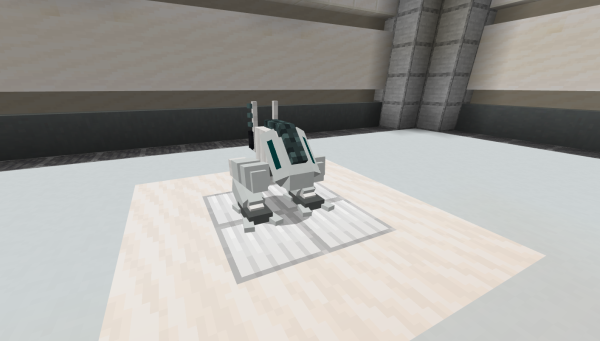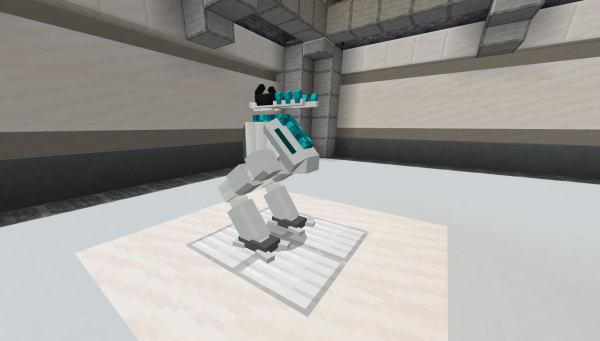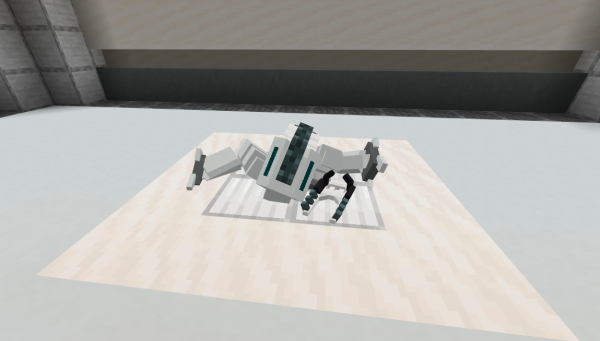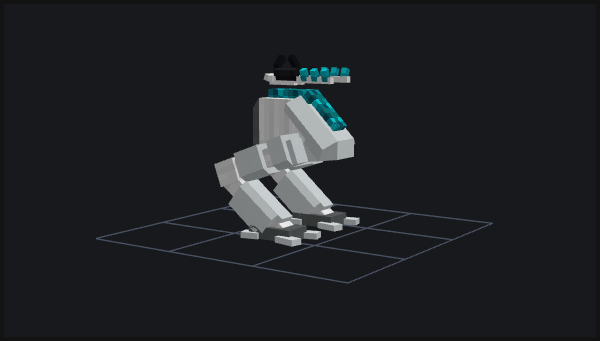
Ion Mech by Me
The Ion Mech and its surrounding features are an ongoing project which I started with the aim of presenting as many of my development and design abilities in one place.
About
Ion Mech started with a design document for a relatively straight forward mini-boss entity. Then I scope creeped myself :). Since that initial design document the general scope of the project has expanded from just an entity to a short playable experience which takes place across a small underground level. The project isn't complete yet but below I've compiled a few technical design writeups for some of the finished entities I've created to support the Ion Mech.
Entity: General Purpose Buttons
When I began planning out the tutorial experience for a first time player I immediately found the need for some sort of interactable which I could use to give the player control over the tutorials pacing. Because the idea of this project is to (primarily) show off my ability in entity development I chose to make this interactable a general purpose button.
What is a general purpose button? In this case it means a button which is designed to function on a generic framemwork which could allow the same entity to be used in multiple places without needing a different entity for each. The aim, and final product, is an entity which could be used in a dozen places across a map and do different things at each without needing a single line of json changed. In order to achieve this the buttons use functions and entity tags to control what they do and how they do it.
This works prettly simply. Whenever any button is pressed it plays an animation, enters a deactivated state, and runs a single function 'button/pressed'. This function checks for tags on the executing entity and then runs any functions associated with that entity. It then remains in that deactivated state until the 'unpress' event is run on it. This means that reactivating the button falls solely on the functions which are ran when it is pressed. Below are the (programmer art) buttons in their unpressed and pressed states.
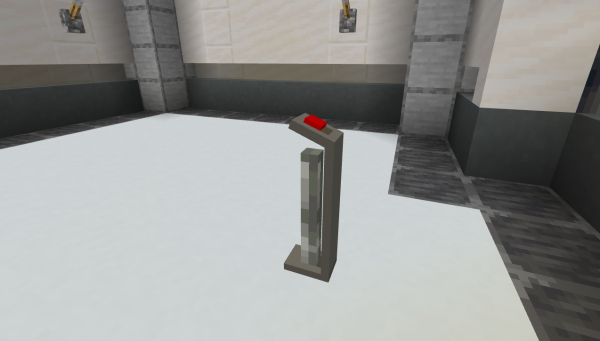
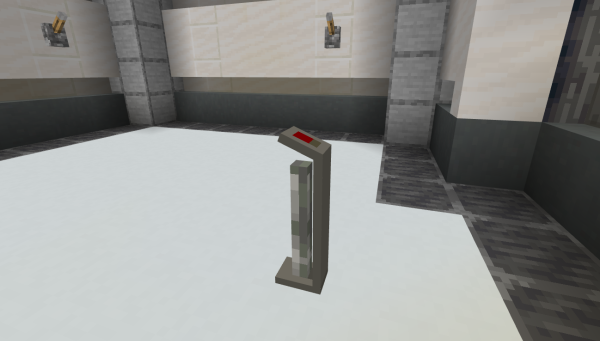
Why this approach? Simple: it allowed one entity to be used in countless scenarios. It also allowed for potential expansion on the system if I ever found the motivation. For example, the implementation of multiple button styles and skins could allow one button entity to be used easily across a large project or even multiple projects. Additionally, it would be simple to implement an in-game utility to configure buttons which could allow a less technically skilled individual to configure them live. The possibilities are massive and this implementation only scratches the surface of general purpose entities.
Entity: Floor Barriers
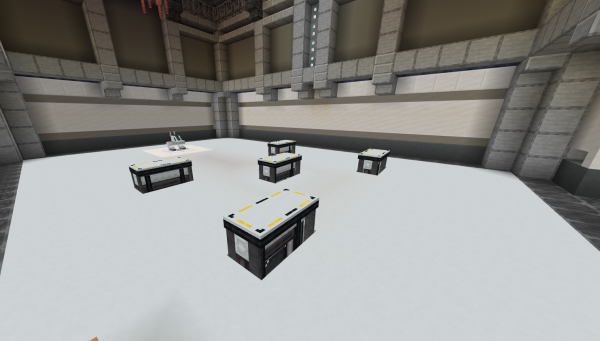
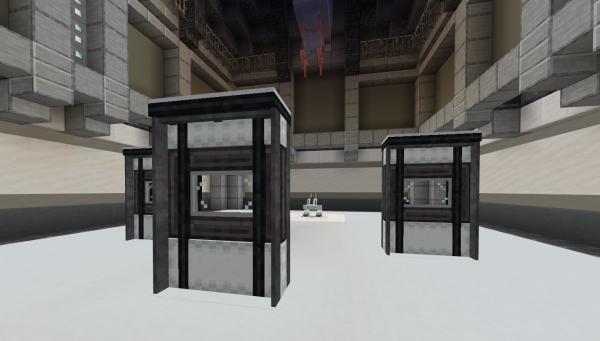
At the point in my design process when I finally got around to working out what the level for this project would look like I quickly ran into a problem. How could I contain the boss fight to a small area, so as to limit scope, while simultaneously creating a dynamic and stragetic boss arena. I experimented with a few options: verticality, static barriers, complex topography, etc... but decided that keeping the base arena simple and then augmenting it with dynamic barriers which could adapt the level as the fight progressed was the best option.
The barriers themselves are quite simple, relying on a behaviour side animation controller state machine to evaluate the entities' component groups and extend or retract accordingly. The state of the barriers is easily changed with 'extend' and 'retract' events and barrier blocks are placed and removed dynamically to mimic the 'expected' collision of the barriers.

Entity: Ion Mech
The Ion Mech, while unfinished, is still my favorite part of this project. It's a single stage, two attack type mini-boss. It's built on a modified and improved version of the state based boss entity framework I developed while at CubeCraft. With this, granular control can be applied to when and how the entity changes states. This allows for a complex introduction animation, remain-after-death system, and makes it easy for attacks to be synced with other level elements (For example: Floor Barriers) in order to create more dynamic fights.